
Bulk GS1 Digital Link 2D barcode generator









Frequently Asked Questions
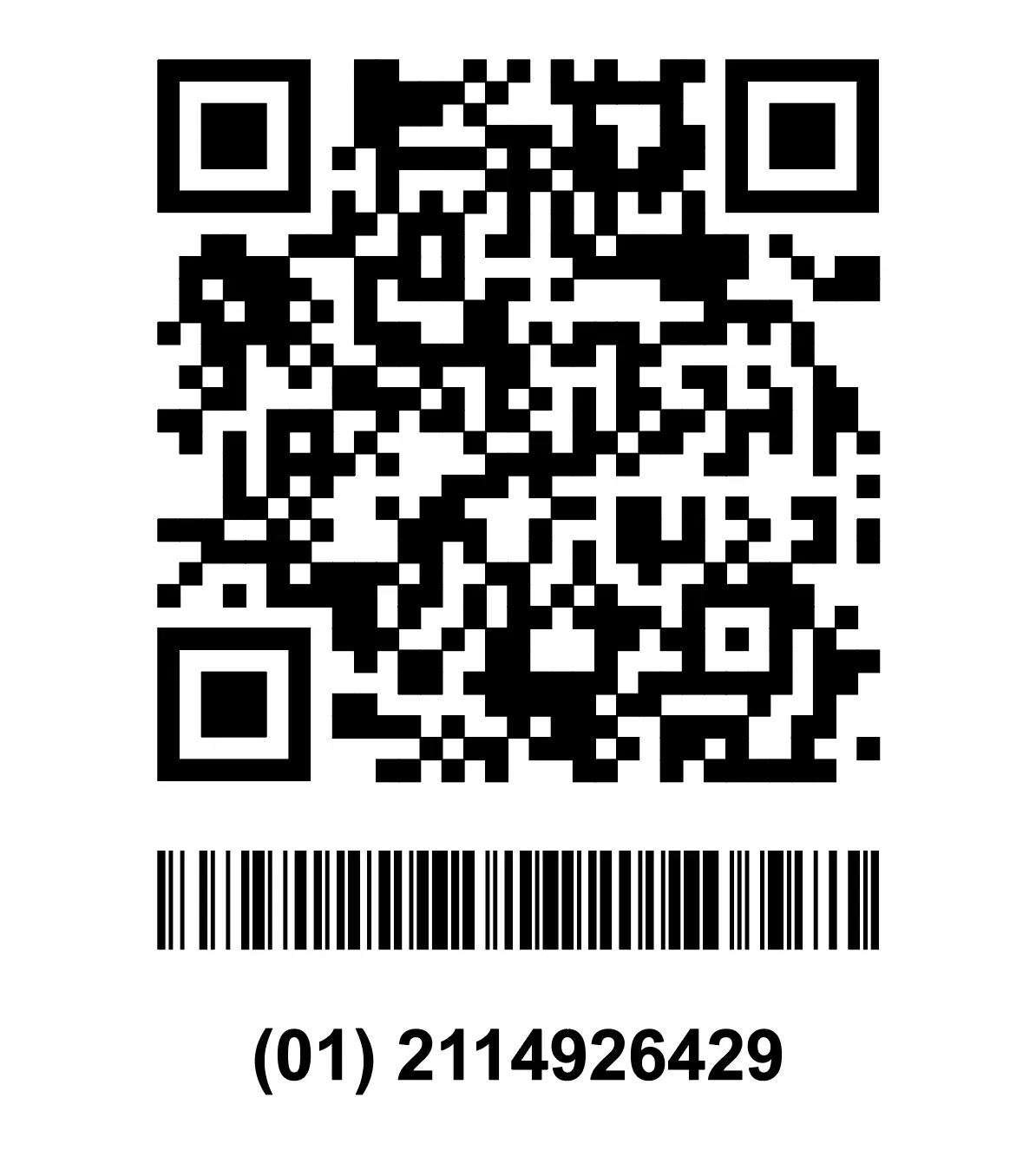
They are 2D barcodes, such as QR Codes and Data Matrix, that store a GS1 Digital Link. A GS1 Digital Link is a web URL that can include a GTIN, batch number, expiry date, serial number, and other GS1 identifiers. They are different from GS1 DataMatrix, which uses GS1 Element String syntax instead of a web URL.
Yes. The generator checks all data in every row and automatically flags duplicate codes. A code is considered a duplicate only when all data is exactly the same, including the GTIN, batch number, serial number, expiry date, and any other fields. If even one value is different, or one code contains a field that the other does not, the codes are treated as unique.
Yes. Every batch of generated codes is saved in its own folder. You can open the folder to edit or download individual codes at any time.
Enter a value in the Product/QR Code Name column when generating your codes. You can then search for that name to quickly find the code you need.
No. Healthcare and pharmaceutical applications require GS1 DataMatrix with GS1 Element String syntax. We offer this through our separate GS1 DataMatrix Generator.
CSV files cannot include instructions, notes, or data validation. Excel files require Microsoft Excel or a compatible device/software. Google Sheets works in any web browser with just a free or Google Workspace account, so there's no software to install. It also lets us include instructions, data validation, and formulas that help detect duplicate entries, while keeping everyone on the latest version. The template is set up to create your own copy before you start editing. This keeps the original template unchanged. No one can see your copy unless you choose to share it. Tip: Rename your Google Sheet after creating your copy and before entering any data. This makes it easier to find the right batch later.
Stay in the loop
Sign up for our newsletter and be the first to hear about promos, updates, and tips

GS1 and digital link and its logos are registered trademarks of GS1 global.
'QR Code' is a trademark of DENSO WAVE INCORPORATED. © 2026 www.qrcode-tiger.com